
Real-estate CRM
Walk out of a showing, work done.
Kove returns a CRM-ready draft before any iConnect connection.
First proof
From voice note to reviewable draft.
The draft shows the lead, CRM fields, and save destination.
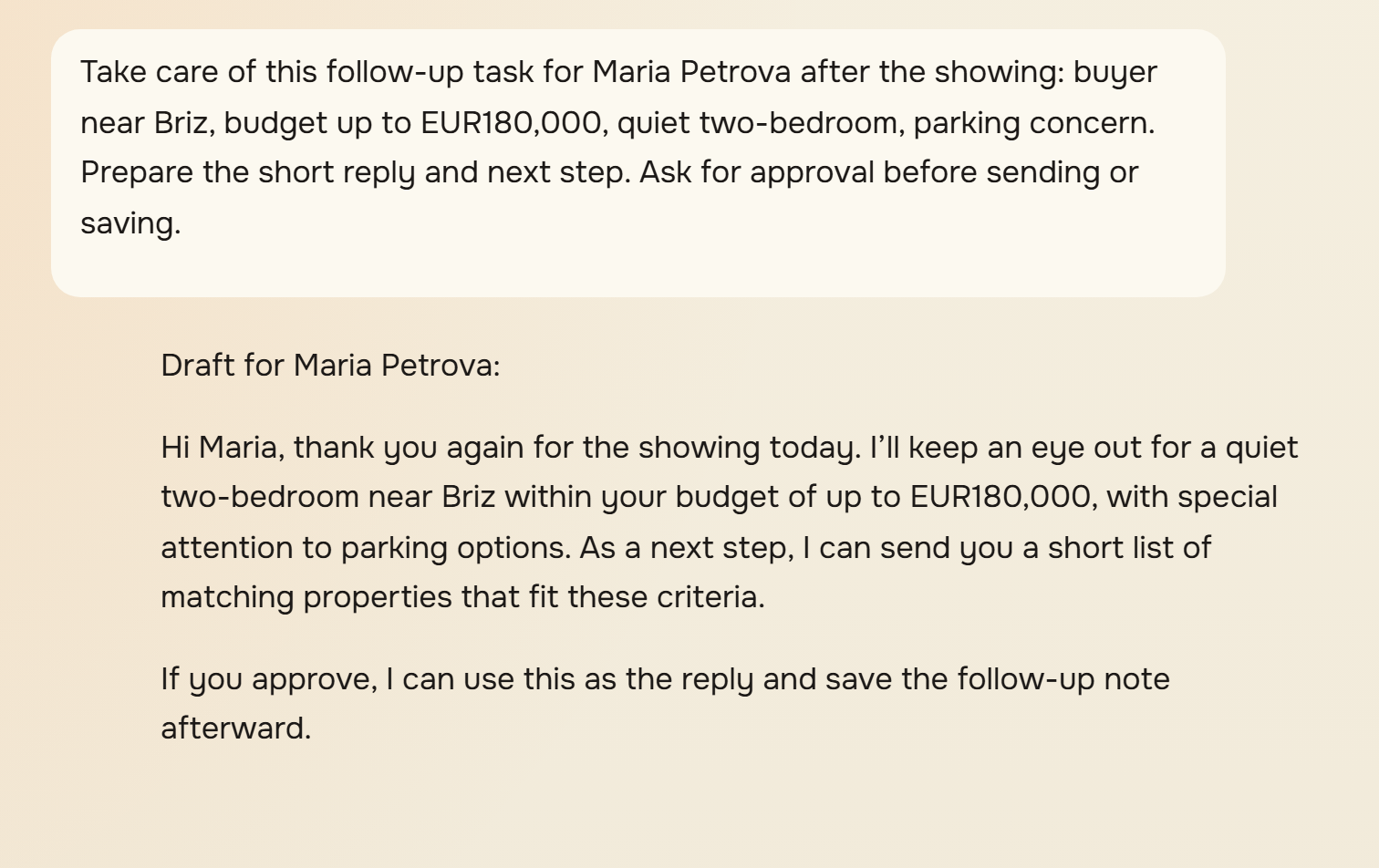
- User: Take care of this follow-up task for Maria Petrova after the showing: buyer near Briz, budget up to EUR 180,000, quiet two-bedroom, parking concern. Prepare the short reply and next step.
- Kove: Draft for Maria Petrova: Hi Maria, thank you again for the showing today. I will keep an eye out for a quiet two-bedroom near Briz within your budget of up to EUR 180,000, with special attention to parking options. Next action: send this reply to Maria Petrova. CRM destination: the matched iConnect lead shown above.
- You sayShowing, budget, objection, and next step.
- You getCRM fields, follow-up, and next step in one draft.
Which CRM task should go first?
Start with the daily moment that usually waits until evening.
Fresh call
Capture it now.
Dictate the important details after the call. Kove returns the fields and next step for review.
Start with a call
Showing follow-up
Prepare the reply.
Get a client draft and a clear action while the showing details are still fresh.
See the flow
Buyer brief
Pull the context together.
Budget, area, objections, and timing come back as a short brief before the next reply.
Prepare a brief
Seller update
Send a clean status.
Kove turns the thread and viewing feedback into a short update you review first.
Prepare a status
CRM fields, source, and save in one review.
Kove brings the CRM fields, reply, and next step into one review.
See how your data is protectedFirst questions from agents
Can I try one showing before connecting iConnect?
Yes. The CRM-ready draft comes before any iConnect connection. Start with a recording or pasted showing note; save or connect is an after-draft choice.
What does the first draft include?
It shows the client facts, property context, objection, next action, and iConnect-ready fields in one reviewable card.
What appears before the iConnect save or client message?
The draft, source details, matched lead, changed fields, and destination appear together.
How does the 20-minute pilot start?
The pilot starts with one real conversation. Record or paste it, review the draft, then decide whether to save it or keep testing.
Will this take longer than typing the note myself?
It is one note, not a setup project. Use the draft as the test; keep it only if it is faster than typing your usual note.
20-minute pilot
Start with one real conversation.
If the draft saves time on one lead, keep it in your routine.
Already have an account? Sign in